Talk to us about reducing your training burden
The resources below form a typical training ecosystem for device data management software. Access paths vary by resource type.
Publicly accessible resources usually include select security bulletins, some product PDFs, and general product pages. These require no login and are available through standard web searches or the Medtronic CRM Education page.
Most of the structured training material sits behind a customer login. Knowing which resources are gated helps administrators time account provisioning. The gated resources break down as follows:
Clinics typically gain Medtronic customer account access by self-registering with a company email address and then requesting access to the relevant portal, such as the Supplier Essentials portal. New staff should confirm login credentials with their clinic administrator before beginning any Academy-based training.
Healthcare onboarding best practices support a phased 30/60/90-day framework. New employees move from orientation to contribution to independent ownership. The sequence below applies that structure to device data management work.
Relias recommends assigning a mentor or preceptor and providing role-specific learning pathways as core onboarding practices. Pairing the resource sequence above with a designated peer mentor during weeks 5–8 accelerates supervised live review and reduces the time new staff spend troubleshooting alone.
Mayo Clinic's Cardiac Monitoring and Interpreting Technician Internship uses a competency-based model in which students progress by demonstrating mastery rather than by time alone. This model offers a useful benchmark for clinic administrators setting 90-day milestones. Graduates become eligible to sit for the Certified Cardiographic Technician (CCT) examination administered by Cardiovascular Credentialing International.
See How Rhythm360 Fits Your Onboarding Workflow
Most device data systems are owned by a single manufacturer, and their training prepares staff to manage that manufacturer’s data exclusively. Expert consensus guidance names Abbott, Biotronik, Boston Scientific, and Medtronic as the major device manufacturers in standard clinical practice, confirming that multi-vendor device management is standard clinical practice.
The operational impact is clear. A technician fully trained on one system still faces separate, non-interoperable portals for Boston Scientific LATITUDE, Abbott Merlin.net, and Biotronik Home Monitoring. Each portal requires its own login, its own data retrieval workflow, and its own documentation process. Without a unified platform, staff manually pull data from each manufacturer portal. That manual process does not scale and creates gaps where billing events and clinical findings can be missed.
A 2026 white paper published in EP Lab Digest describes this pre-consolidation workflow in detail. Andrew Beaser, MD, Associate Professor of Medicine at the University of Chicago Medicine, called the multi-vendor monitoring environment “a major challenge and incredibly difficult.” After implementing Rhythm360, his team reported reviewing more transmissions per day and identifying more abnormalities, which enabled earlier intervention. That outcome shows what the gap costs clinics and why a vendor-neutral approach solves the problem.
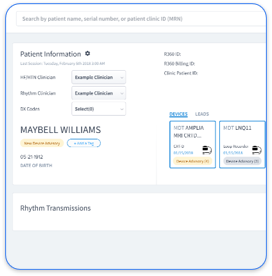
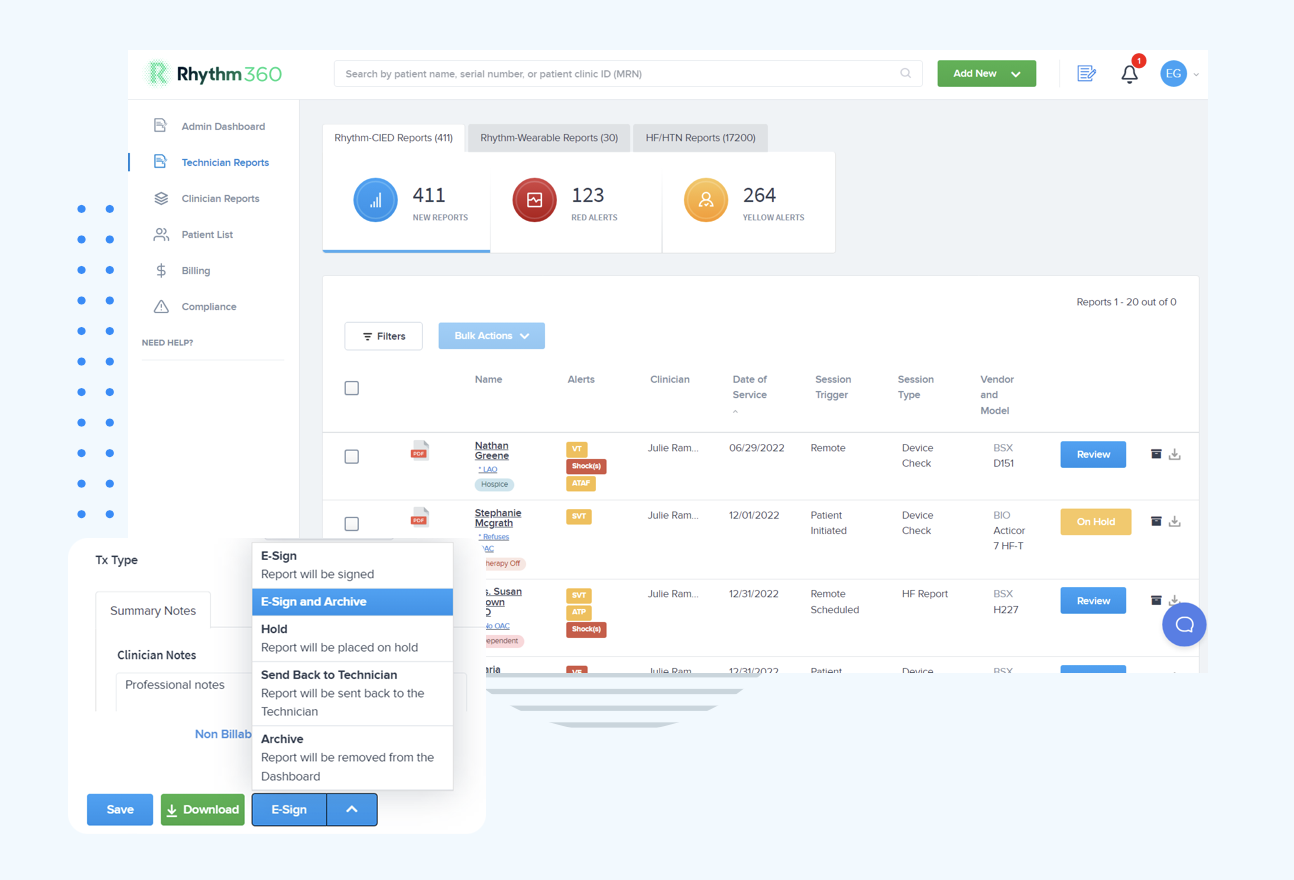
Rhythm360 is a vendor-neutral platform that consolidates data from Medtronic, Boston Scientific, Abbott, Biotronik, and other manufacturers into a single dashboard. It provides bi-directional EHR integration and automated CPT code capture. The capture covers 90-day cycle codes for pacemakers and ICDs (93294, 93295, 93296) as well as 30-day cycle codes for physiologic monitors (93297) and implantable loop recorders (93298). Together these reduce administrative burden and improve billing accuracy. Practices using Rhythm360 have achieved up to an 80% reduction in critical alert response times and up to a 300% increase in revenue capture.
The resource map above shows which materials exist. The practical question for administrators is which of them cost money or require a login. The short answer: some are open, but the structured training is gated.
Clinics typically gain this access by self-registering with a company email address and then requesting access to the relevant portal. Administrators should provision Medtronic Academy login credentials as part of pre-boarding, before a new technician's first day, so training can begin immediately.
New staff searching for training will encounter several Medtronic-related terms that sound interchangeable. Sorting them out early prevents wasted time.
Administrators face a structural risk when system proficiency sits with only one or two staff members. If that person leaves or is unavailable, the clinic's ability to process transmissions and generate compliant documentation is immediately compromised.
A practical multi-person training plan spreads knowledge across the team and creates backup coverage. The elements below work together as a simple structure.
Cross-training staff on multiple vendor portals is operationally ideal but rarely practical at scale. Medtronic CareLink and Boston Scientific LATITUDE NXT each operate their own secure website with separate login credentials and their own data format, such as LATITUDE NXT exporting data using the Health Level Seven (HL7) file format standard. Rhythm360 reduces this training burden by consolidating multi-vendor data into one interface, which makes it easier to onboard new staff, maintain weekend and on-call coverage, and reduce dependence on a single super-user.
See How Rhythm360 Supports Teamwide Training
The questions below cover the points administrators and new technicians raise most often after reading the sequence above.
Start with Medtronic Academy for structured introductory modules, which may require a Medtronic customer login provisioned by your clinic administrator. Use the in-software online Help and F1 context-sensitive help for daily reference as you begin working in the system. Supplement structured modules with release webinars and the SessionSync and Activity Log troubleshooting guides. During weeks 5–8, shadow an experienced technician for supervised live patient data review before taking on independent tasks.
Some resources are publicly accessible without a login, including certain security bulletins and product PDFs. However, the most structured training content, such as Medtronic Academy courses, release webinars, and many troubleshooting guides, may require a Medtronic customer login. Clinics typically gain this access through the same registration process described above. Administrators should provision login credentials before a new hire's first day so training is not delayed.
Most new device technicians reach basic operational competency within the 90-day sequence outlined earlier. The key milestone is day 60, when a technician should have completed at least one end-to-end transmission review under supervision.
Device data management software is the application used for organizing and reviewing cardiac device transmissions. Medtronic Academy is the online learning platform at medtronicacademy.com that hosts courses for multiple Medtronic products. As of September 2026, there is no publicly documented Medtronic training portal or education program called “Medtronic Cornerstone” for cardiac rhythm training, and the only active “Cornerstone” reference in public communications is a robotics business partnership. Staff searching for training should use Medtronic Academy directly.
Vendor-specific training prepares staff for that manufacturer’s device data management only. Clinics managing Boston Scientific, Abbott, or Biotronik devices alongside Medtronic still require separate portals and separate workflows for each manufacturer. This gap is why many practices adopt a vendor-neutral platform to consolidate multi-vendor data into a single workflow.
Administrators should look for vendor-neutral data aggregation across all major device manufacturers, bi-directional EHR integration, automated CPT code capture and documentation, and a centralized dashboard that reduces reliance on a single super-user. Rhythm360 is a vendor-neutral, AI-powered platform that consolidates multi-vendor cardiac device data, supports billing compliance through automated CPT code tracking, and integrates bi-directionally with major EHR systems including Epic, Cerner, and Athenahealth. The same practices that use these capabilities see the alert-response and revenue-capture gains noted earlier.
Vendor training resources exist and deserve systematic use. Medtronic Academy, in-software Help documentation, release webinars, and troubleshooting guides together provide a solid foundation for new device clinic technicians. The 90-day sequence in this guide gives that foundation a structure that many clinics currently lack.
Single-vendor training does not prepare staff for the multi-vendor reality of most device clinics. Separate portals, redundant logins, and fragmented patient views persist even after a technician becomes fully competent on one system. A vendor-neutral platform like Rhythm360 addresses that gap directly by consolidating data from all major manufacturers into a single dashboard and reducing the operational burden that single-vendor training cannot eliminate.