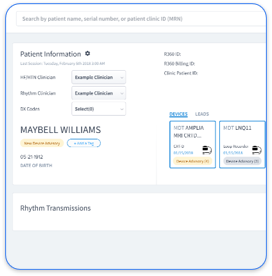
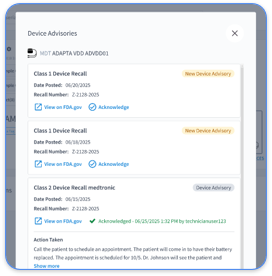
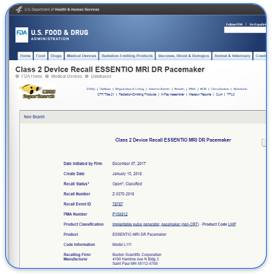
Manual Paceart data exports create significant operational, compliance, and revenue risks for cardiology practices. Incomplete or inaccurate exports lead to lost billable events, missed CPT code documentation, and staff burnout from repetitive manual processes. These challenges reflect the broader burden of manual clinical data abstraction in cardiovascular care.
Manual abstraction also carries substantial costs for health systems. Cardiovascular chart abstraction often takes hours to complete, which delays care decisions and slows revenue capture. The shift to automated cloud workflows addresses these issues directly. AI-driven abstraction systems reduce abstraction time by up to 66 percent and lower total data abstraction costs by 50 percent or more for cardiovascular service lines.
Modern platforms provide real-time data availability, so teams move from retrospective review to concurrent monitoring. This approach helps identify quality issues while care is still in progress and reduces reliance on repeated exports.
Teams should confirm several prerequisites before starting any Paceart export.
Among these prerequisites, HIPAA compliance deserves particular attention. All staff involved in the export process must understand HIPAA Security Rule requirements for protecting electronic protected health information during extraction, transformation, and storage activities. Violations at any stage can expose the practice to significant regulatory penalties.
Paceart maintains comprehensive patient and device information that supports clinical care and billing.
Teams need a clear view of this data structure to validate exports and plan EHR integration. A structured understanding reduces mapping errors and supports smoother downstream workflows.
The XML export method provides structured data that works for most modern EHR systems.
Structured data export from legacy clinical systems commonly uses a staged ETL pipeline consisting of extraction from a read-only replica, schema validation with Pydantic models, salted irreversible pseudonymization, and export to analysis-ready CSV or Parquet files. Teams should validate the XML schema before moving to EHR import.
The database export tool supports more comprehensive data extraction when practices need full historical access.
Export processes from clinical databases should include integrated audit logging that records actor, purpose, row counts, runtime, and transformation steps to support traceability and compliance with regulatory requirements.
Post-export validation protects data integrity before information reaches the EHR.
Common export errors include missing patient identifiers, truncated device serial numbers, and incomplete transmission histories. Teams should resolve these issues before moving ahead with full EHR integration.
These validation challenges reveal a core limitation of export-based workflows. Each export cycle requires manual verification, which creates recurring administrative overhead and introduces room for error. A modern platform approach removes much of this burden by keeping data synchronized continuously instead of through periodic exports.
The following comparison shows how modern cloud platforms address key limitations of legacy systems across data access, clinical responsiveness, revenue capture, and staff workload.
| Feature | Paceart (Legacy) | Rhythm360 (Modern) | Improvement |
|---|---|---|---|
| Data Accessibility | Manual exports required | Real-time cloud access | Immediate availability |
| Alert Response Time | Hours to days | Minutes to hours | Faster critical event management |
| CPT Code Capture | Manual documentation | Automated billing support | Up to 300% revenue improvement |
| Staff Workload | High manual burden | Automated workflows | Significant efficiency improvements |
Modern platforms reduce manual effort, support faster clinical decisions, and improve revenue capture compared with export-dependent workflows.
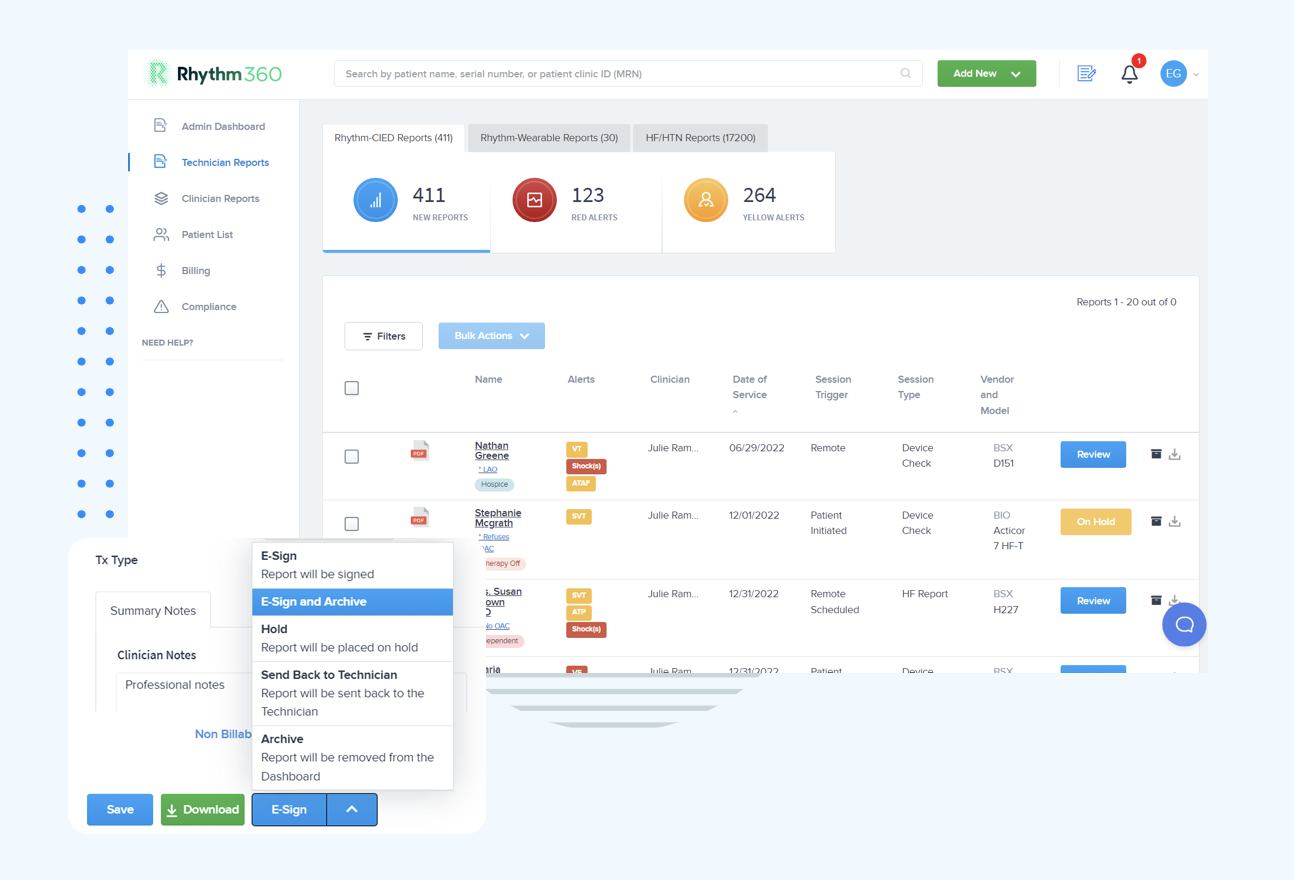
Teams can use this checklist to prepare for a smooth transition from Paceart to a modern platform.
After completing this checklist, teams should review how the selected platform will ingest, normalize, and surface the exported data for daily use.
Rhythm360 uses a structured ingestion process to convert exported Paceart data into a modern, vendor-neutral platform. The system begins by processing XML exports, database dumps, and legacy file formats through AI-powered normalization engines that achieve >99.9% transmissibility. These engines standardize disparate data structures into a unified format.
This normalized data then flows bi-directionally with the EHR, so clinical teams see consistent information across systems. Automated CPT documentation analyzes the unified data stream and captures revenue opportunities that manual review often misses.
The platform uses redundant data feeds to maintain connectivity when OEM servers experience downtime. AI-powered alert triage filters non-actionable notifications and prioritizes clinically significant events, which shortens response times for critical alerts.
Several advanced practices help teams improve export efficiency and reduce migration risk.
Medication and therapy interval data extracted from legacy PDMS often require custom preprocessing logic, such as cross-referencing with bed occupancy records to infer missing end times and reconstruct continuous episodes from fragmented documentation. Similar custom logic may be necessary for complex device data.
Export duration depends on database size and system performance. Teams should plan exports during off-peak hours to reduce system impact and allow enough time for validation.
Security during migration requires encrypted file storage, secure transfer channels, access logging, and staff training on PHI handling. All exported files must remain encrypted at rest and in transit, with access restricted to authorized personnel. Detailed audit trails throughout the migration process support compliance requirements.
Most modern EHR systems support standard data formats such as XML and CSV. Specific field mappings and data transformations may still be necessary. Teams should work with their EHR vendor to confirm import specifications and test sample data before a full migration. Some legacy EHR systems may require custom integration development for reliable data flow.
Historical data remains available through exported files and can feed into modern platforms like Rhythm360. The migration process preserves patient histories, device records, and transmission data while enabling enhanced analytics and reporting. Practices should define data retention policies that align with regulatory requirements and organizational needs.
Rhythm360 operates as a vendor-neutral platform that normalizes data from major CIED manufacturers, including Medtronic, Boston Scientific, Abbott, and Biotronik. The system replaces multiple OEM portals with a unified dashboard for comprehensive patient management. This consolidation reduces administrative burden and improves clinical workflow efficiency.
Manual Paceart exports can meet short-term migration needs but do not scale as a long-term strategy for cardiac device management. The process consumes staff time, introduces compliance risk, and constrains practice growth. Modern cloud-based platforms like Rhythm360 remove the need for repeated exports by providing real-time data access, automated workflows, and targeted revenue improvement.
The shift from legacy systems to modern platforms delivers measurable gains in operational efficiency, clinical outcomes, and financial performance. Practices report lower administrative burden, faster response to critical events, and higher revenue through improved billing capture.
Teams ready to modernize their cardiology operations can request a personalized demo to see how Rhythm360 turns cardiac device management from a manual burden into a scalable competitive advantage.