License exhaustion occurs when concurrent user sessions exceed your Paceart allocation and staff lose access to critical patient data. Start by identifying active sessions in the Paceart administrator console and reviewing the list of logged-in users. Contact inactive users and ask them to log out properly, because simply closing browser windows can leave ghost sessions running in the background.
If legitimate users exceed your license count, temporarily prioritize clinical staff over administrative users during peak hours. This triage approach provides immediate relief, but it only serves as a short-term workaround. Review your license agreement to understand upgrade options, though expanding on-premise licenses creates recurring costs and leaves the underlying workflow inefficiencies in place.
The core problem is that Paceart’s per-seat licensing model conflicts with modern clinical demands. Emergency situations require multiple staff members to access the same patient data at the same time, and license restrictions can block critical care decisions. See how unlimited concurrent access works in practice and explore cloud-native platforms that remove licensing bottlenecks.
CISA advisory ICSMA-23-180-01 identifies a critical vulnerability (CVSS v3 9.8) in Medtronic Paceart Optima System versions 1.11 and prior that allows remote code execution via deserialization of untrusted data. Immediate remediation starts with disabling the Paceart Messaging Service through Windows Services management.
Open Windows Services (services.msc), locate “Paceart Messaging Service,” and set the startup type to “Disabled.” Stop the service immediately if it is currently running. Apply the latest security patches from Medtronic after you verify compatibility with your current database version.
CISA advisory ICSA-26-043-01 warns of local privilege-escalation vulnerabilities in Siemens SINEC NMS. Implement network segmentation to isolate Paceart systems from internet-facing infrastructure, and treat these controls as temporary protection for deeper architectural weaknesses.
On-premise systems demand constant monitoring for new threats and consume IT resources that could support patient care improvements. Modern cloud platforms maintain security through automated patching and enterprise-grade infrastructure that dedicated security teams manage around the clock.
System-level Paceart errors differ fundamentally from patient monitor codes and require distinct troubleshooting approaches. Clinical workflows should implement tiered escalation protocols to separate system artifacts from true clinical events, which prevents alert fatigue and keeps responses focused on the right issues. The following table shows how to distinguish these error types based on their codes, causes, and required actions.
| Error Type | Code Example | Likely Cause | Immediate Action |
|---|---|---|---|
| Paceart System | Database Connection Failed | Network/Server Issue | Check network connectivity, restart services |
| MyCareLink Monitor | 5704, 7332 | Device/Patient Issue | Review patient transmission, contact patient |
| License Error | Maximum Users Exceeded | Concurrent Session Limit | Audit active sessions, prioritize clinical users |
| Security Alert | Service Vulnerability | Unpatched Software | Disable vulnerable services, apply patches |
False alerts commonly arise from motion artifacts, poor signal quality, and device connectivity issues, so they require operational triage separate from clinically meaningful events. Train staff to recognize system-level errors that need IT intervention versus patient-specific alerts that require a clinical response.
Start troubleshooting by verifying network connectivity between Paceart workstations and the central database server. If connectivity looks stable but errors continue, check Windows Event Viewer for Paceart-related entries. Focus on authentication failures and database timeout messages, because these often signal infrastructure problems that extend beyond simple network issues.
For data synchronization problems, manually trigger transmission downloads from each manufacturer portal to pinpoint connectivity gaps. Remote programming solutions may face connectivity challenges with restrictive IT infrastructure or poor cellular network connections, so redundant communication pathways become essential.
Update Paceart client software on all workstations to the latest compatible version and schedule these updates during low-activity periods to avoid workflow disruption. Document all error patterns to identify recurring issues that indicate deeper infrastructure problems requiring permanent solutions. When the same errors appear despite careful troubleshooting, the problem reflects the system’s design rather than your team’s execution.
Recurring Paceart errors stem from fundamental limitations of aging on-premise architecture. Legacy systems create hidden costs through high maintenance of aging hardware, custom code, and shrinking skill pools, while operational inefficiencies grow as scalability and integration fall behind clinical needs.
As legacy systems age, the number of individuals with deep operational knowledge declines, increasing fragility in maintaining services. Your practice becomes dependent on increasingly rare expertise to resolve routine technical issues.
Disconnected legacy systems create data silos, manual workarounds, and inconsistent reporting, which forces staff to navigate multiple portals for comprehensive patient views. This fragmentation increases error risk and reduces clinical efficiency.
Modern vendor-neutral platforms address these structural problems through cloud-native architecture, automated data integration, and AI-powered alert management. Discover how vendor-neutral architecture eliminates these structural problems and discuss your specific technical challenges with Rhythm360.
The architectural differences between legacy and cloud platforms determine whether practices face recurring technical issues or achieve reliable operations. This comparison highlights how each system handles the four critical areas that cause most Paceart errors.
| Feature | Paceart (Legacy) | Cloud Platforms | Impact |
|---|---|---|---|
| Data Access | Single workstation, license limits | Unlimited concurrent users | Eliminates access bottlenecks |
| Security Updates | Manual patching, downtime required | Automated, zero-downtime updates | Continuous protection |
| Data Integration | Manual portal navigation | Automated vendor-neutral aggregation | Single source of truth |
| Alert Management | Basic notifications | AI-powered triage and prioritization | Reduced alert fatigue |
Cloud platforms achieve the reliability levels discussed earlier through redundant infrastructure and professional management, which exceed what most practices can maintain on-premise. Smartphone-based emergency notification systems help cardiac response teams reach patients one minute faster than traditional operator-generated alerts.
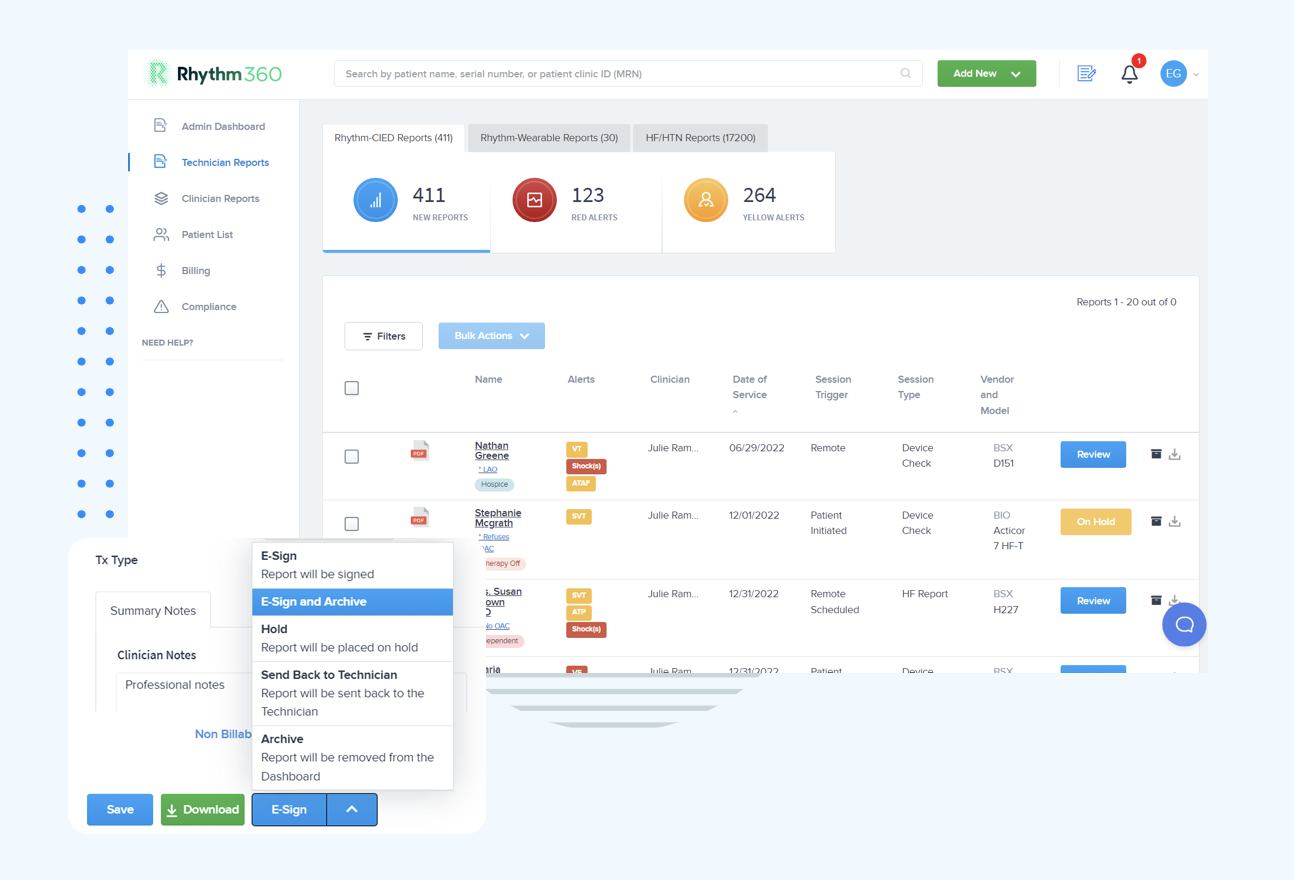
Rhythm360 delivers >99.9% transmissibility through redundant data feeds and computer vision technology, ensuring critical events reach clinical teams regardless of individual manufacturer portal status. The platform’s AI-powered alert triage can reduce response times by up to 80% while removing the licensing constraints that block emergency access.
A University of Michigan study found that cloud-based solutions cost approximately $2,000,000 less than on-premise alternatives over two years, with no hidden infrastructure costs. The leading reasons for cloud migration among healthcare organizations are reducing IT maintenance costs, improving disaster recovery, and accelerating AI adoption.
Practices using unified cardiac data platforms report up to 300% revenue increases through improved CPT code capture and automated billing documentation. Staff productivity rises when clinical teams access all patient data through a single interface instead of navigating multiple manufacturer portals.
Mile Bluff Medical Center reduced critical code activation time from 20-30 minutes to 20 seconds after replacing manual communication systems with automated platforms. Similar gains appear when practices remove technical barriers that delay clinical decision-making.
The clinical impact extends beyond efficiency. When systems deliver critical alerts reliably without false positives or access restrictions, clinicians can focus on patient care rather than troubleshooting. This shift reduces burnout and improves job satisfaction among specialized device technicians.
Assess interoperability requirements by cataloging all current device manufacturers and EHR systems that need integration. Many healthcare executives rank interoperability as a top selection criterion for new cloud platforms, ahead of traditional security considerations. The complexity of your integration requirements directly affects implementation speed, so timeline evaluation should follow your interoperability assessment.
Evaluate onboarding timelines, because modern platforms typically complete implementation within days to weeks rather than months. Successful migration requires data cleansing, governance, validation, and change management including training and leadership sponsorship.
Review compliance support capabilities and confirm that the platform maintains audit trails for all patient communications and clinical decisions. This approach addresses the compliance gaps that legacy systems create through their fragmented architecture.
Calculate total cost of ownership, including hidden maintenance expenses, security update requirements, and staff time spent on technical troubleshooting. McKinsey estimates that technical debt can account for 20-40% of the value of an organization's entire technology estate before remediation efforts begin, which reinforces the earlier cost advantages of cloud solutions.
Ready to evaluate whether a vendor-neutral platform fits your practice? Contact Rhythm360 to review your requirements and see how modern architecture addresses these recurring limitations.
Paceart error messages signal aging on-premise infrastructure that no longer meets modern clinical demands. Immediate fixes can resolve specific technical issues, yet the deeper problems of license restrictions, security vulnerabilities, and workflow fragmentation require architectural change.
Cloud-native platforms like Rhythm360 address these recurring issues with unlimited concurrent access, automated security management, and unified data integration. Practices that migrate from legacy systems report significant improvements in clinical efficiency, staff satisfaction, and revenue capture.
The decision centers on when to replace Paceart limitations with a permanent solution that supports your practice’s growth and patient care objectives.
Immediately check the Paceart administrator console to identify inactive sessions and contact those users to log out properly. Prioritize clinical staff access over administrative users during emergencies so care teams can reach patient data without delay. For the long term, this recurring issue shows that your license model cannot support clinical demands, and you should evaluate platforms with unlimited concurrent access to prevent future emergency access blocks.
System errors usually involve database connections, network connectivity, or software services, while patient issues generate specific device codes or transmission alerts. System errors affect multiple users or the entire platform, whereas patient issues stay isolated to individual cases. Train your staff to recognize these patterns and create clear escalation protocols for each type.
Disabling vulnerable services like the Paceart Messaging Service is necessary to prevent remote code execution attacks, although this change may affect some functionality. Coordinate with your IT team to implement network segmentation and apply security patches as soon as they become available. On-premise systems still require constant security maintenance that diverts resources from patient care, even after these steps.
Implementation usually takes days to weeks depending on your data complexity and integration requirements. The process includes data migration, staff training, and EHR integration setup. Modern platforms support rapid deployment with minimal workflow disruption, unlike legacy system upgrades that can take months and require extensive downtime.
Cloud platforms remove the specific issues caused by on-premise limitations such as licensing restrictions, manual security updates, data silos, and hardware maintenance requirements. No system is perfect, yet cloud-native architecture provides automated updates, scalable performance, and professional security management that sharply reduces technical disruptions. Your staff can then focus on patient care instead of system troubleshooting.