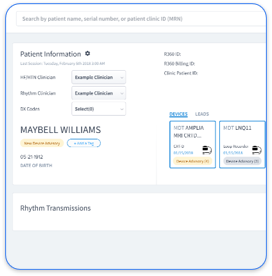
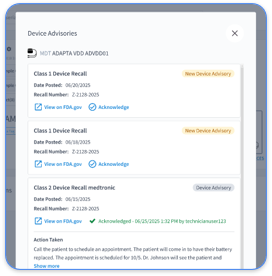
Paceart is Medtronic's on-premise database system that organizes and manages cardiac implantable electronic device (CIED) data for cardiology practices. The platform serves as a centralized repository for pacemaker, ICD, and CRT device transmissions. Clinicians use it to track device status, review transmissions, and generate reports that support clinical decisions and billing compliance.
Paceart login uses local network authentication through Windows Active Directory or local user accounts created during installation. Teams must manage access permissions carefully to maintain HIPAA compliance, with role-based controls that limit data visibility based on clinical responsibilities. Network administrators should enable multi-factor authentication when possible and configure secure remote access for after-hours monitoring.
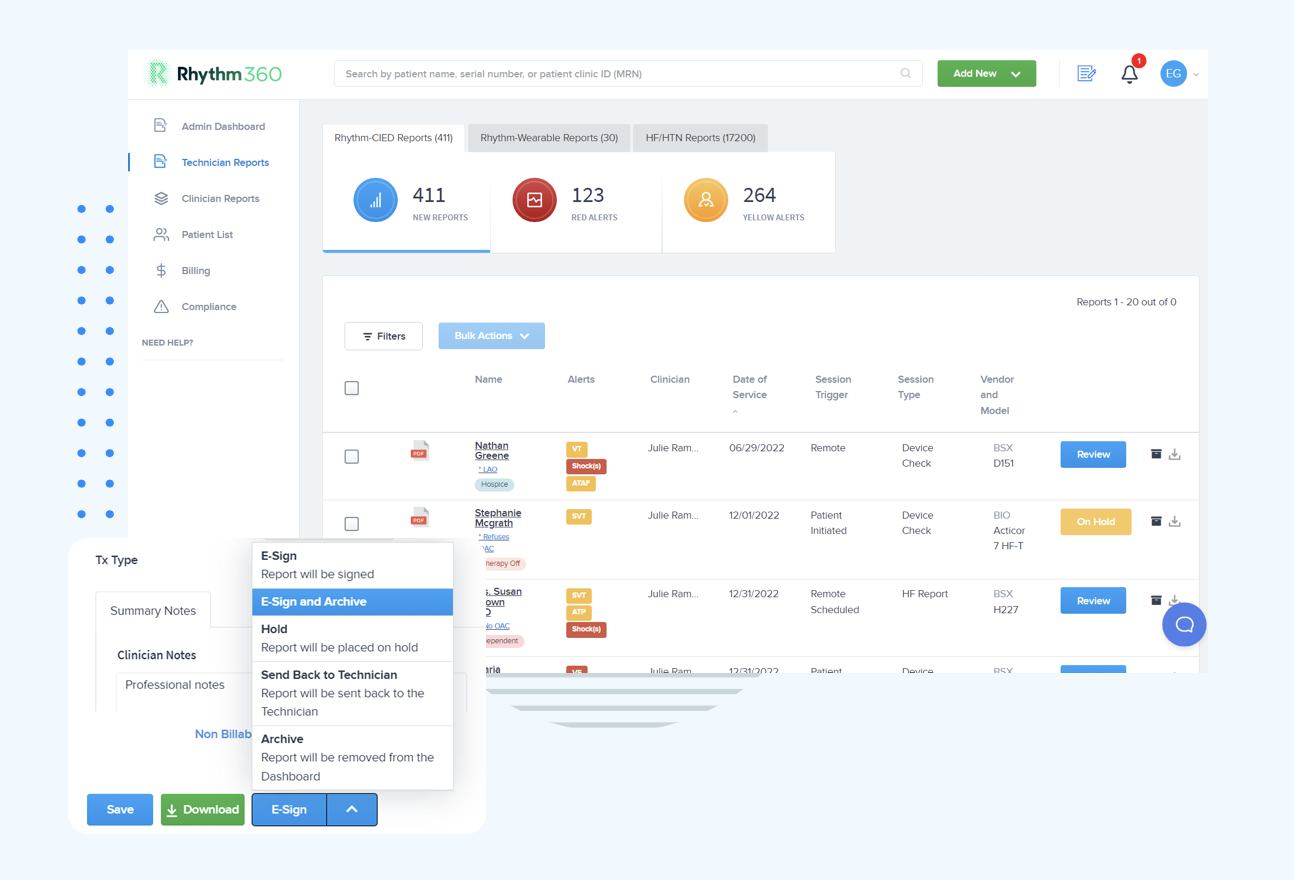
Rhythm360 Advantage: Rhythm360 uses secure cloud-based access with enterprise-grade authentication, which removes the need for local server logins and complex user management. See how enterprise-grade access control works in Rhythm360 and compare it with your current login process.
The choice between on-premise Paceart and cloud-based platforms shapes how your practice manages infrastructure, scalability, and day-to-day IT workload. On-premise EHR systems often create a higher total cost of ownership than cloud systems, with some studies showing overall costs about $2,000,000 higher over two years because of infrastructure spending.
Cloud platforms provide rapid deployment, automatic updates, and vendor-managed security. On-premise systems give direct control over data but require dedicated IT resources for maintenance, backups, and security management.
If your team decides to move forward with an on-premise Paceart deployment despite these tradeoffs, the following eight steps outline a practical installation path.
Paceart Optima depends on specific server configurations to run reliably. Confirm these prerequisites before starting installation:
Ensure all Windows updates are current before you begin installation. Configure antivirus software to exclude Paceart installation directories from real-time scanning, because active scanning can slow the process and cause file access conflicts.
Your deployment model should match your practice size, locations, and access needs.
Standalone Deployment: A single workstation installation works for small practices with one primary user. It uses local SQL Server Express and limits concurrent access to that workstation.
Network Deployment: A multi-user configuration uses a dedicated database server with several client workstations. It supports concurrent users and centralized data management but requires careful network design and capacity planning.
Citrix Deployment: A terminal server environment delivers Paceart as a published application for remote users. This model supports multi-location practices but adds complexity around licensing, performance tuning, and session management.
Network configuration directly affects Paceart performance and security. Configure these ports and firewall rules:
Use network segmentation to keep Paceart servers separate from general office traffic, and provide VPN access for secure remote connectivity. Remote patient monitoring systems face higher security risk when they lack enterprise firewalls or professional security oversight, so strong perimeter controls matter.
EHR integration depends on accurate mapping of data fields and message formats between systems. Effective medical device integration requires thorough testing under real clinical conditions, including simulated patient scenarios and data accuracy checks.
Configure HL7 message routing for these message types:
Test the integration with sample data before you process live patient information. Confirm that messages arrive in the EHR correctly, that errors are logged, and that failed messages trigger alerts.
SQL Server configuration has a direct impact on Paceart performance and data safety. Allocate enough memory to handle concurrent device transmissions, often 50 to 75 percent of available RAM for a dedicated database server. After memory settings are stable, configure automated backup schedules that protect patient data, such as nightly full backups and transaction log backups every few hours.
Create separate databases for production and testing environments. This separation allows you to test upgrades, patches, and troubleshooting steps without risking live patient data or disrupting clinical workflows.
Role-based access controls should mirror real clinical workflows and HIPAA requirements. Create user groups for physicians, nurses, device technicians, and administrative staff, then assign permissions that match their responsibilities. This structure limits unnecessary access, supports audit trails, and reduces the risk of inappropriate data exposure.
Migration from legacy systems requires a structured plan that covers patient demographics, historical device data, and related clinical notes. Define which data sets will move, how they will map into Paceart, and which records you will archive instead of migrate.
After migration, validate data integrity by spot-checking records, running reports, and comparing results with the legacy system. Many practices run both systems in parallel for a short period to confirm accuracy and maintain continuity of care.
Comprehensive testing reduces surprises during go-live. Conduct user acceptance testing with clinicians and technicians, validate performance under expected load, and rehearse disaster recovery procedures. Train all users on new workflows, document common tasks, and define clear support paths for issues that appear after launch.
Rhythm360 Advantage: Cloud-based deployment removes these installation steps and server build-outs. Many clinics go live within a few weeks when cloud vendors manage onboarding, while on-premise implementations often extend over several months.
Even with careful planning, most installations encounter technical obstacles at some point. The next section highlights frequent issues and practical fixes.
Teams often encounter a recurring set of technical problems during Paceart setup and early use:
Common operational challenges also include device fragmentation, cybersecurity exposure, and limitations of older systems, which often compound these technical errors.
These recurring issues point to a broader question about long-term strategy. Even if your team can resolve each error, the ongoing maintenance burden may still outweigh the benefits of an on-premise system.
On-premises cardiology systems require hardware investments, workflow changes, and infrastructure updates, and they usually take longer to adopt than cloud-based options. Your organization also becomes fully responsible for backups, data recovery, and routine maintenance, which increases operational risk and staff workload.
Medical device integration costs range from about $40,000 for a single read-only device to more than $400,000 for multi-device, multi-site, bidirectional setups, depending on scope and complexity. These integration expenses add to hardware, licensing, and staffing costs when you maintain an on-premise platform.
Consider a move to cloud-based solutions when you encounter any of these conditions:
The following comparison shows how these operational differences appear in real timelines, budgets, and reliability guarantees for on-premise and cloud deployments.
| Factor | On-Premise Paceart | Cloud-Based Solutions | Rhythm360 Advantage |
|---|---|---|---|
| Implementation Time | Deployment often extends over several months | Few weeks typical | Days to weeks with full support |
| Initial Investment | About $15,000–$50,000 or more | About $50,000–$150,000 | Flexible SaaS pricing |
| Annual Maintenance | Roughly $5,000–$15,000 | Roughly $10,000–$30,000 | Included in subscription |
| Uptime Guarantee | Depends on local IT capabilities | Often 99.9% to 99.99% | >99.9% with built-in redundancy |
After reviewing these comparisons, many practices use the FAQ section below to clarify specific technical and operational questions before choosing a path.
Paceart Optima needs a Windows Server environment with SQL Server plus enough RAM and disk space for current and future data. The system also requires supporting frameworks and packages, such as .NET, IIS, and Visual C++ redistributables, to function correctly.
Paceart installation often takes several weeks, including infrastructure setup, software configuration, EHR integration, data migration, testing, and user training. The exact timeline depends on practice size, existing IT infrastructure, and the number of integrations.
Paceart needs regular database maintenance, security patching, backup verification, user account management, and hardware monitoring. Organizations must also maintain SQL Server licensing, apply system updates, and perform security reviews to support HIPAA compliance.
Paceart supports EHR integration through HL7 messaging, but each connection requires custom configuration and testing. Multiple EHR integrations increase complexity and maintenance needs, which often leads to dedicated IT resources for ongoing support.
Server failures can cause complete system downtime until hardware is repaired or replaced. Organizations must plan backup servers, disaster recovery procedures, and data restoration workflows to reduce disruption. Recovery time depends on backup frequency, infrastructure design, and IT response speed.
Paceart Optima installation remains technically possible in 2026, yet the complexity, cost, and maintenance demands make cloud-based platforms more appealing for many cardiology practices. U.S. healthcare organizations face average ransomware downtime costs of $1.9 million per day during major incidents, so reliable vendor-managed infrastructure now plays a central role in risk planning.
Modern cloud platforms like Rhythm360 remove installation work entirely while improving data reliability, shortening implementation timelines, and providing comprehensive vendor support. Practices can shift focus from server management to patient care and growth.
If your team wants a zero-installation alternative that supports faster onboarding and better outcomes, schedule a Rhythm360 demo and compare it directly with your current or planned Paceart environment.